

A quick case study for a quick fix
In this case study, I will take you through the user experience of mentioning someone in a WhatsApp group that enables users to see a “@” symbol notification in their chats list next to an unread message.
Improving user-flow to increase user retention
Improving user-flow to increase user retention
Improving user-flow to increase user retention
Improving user-flow to increase user retention
Improving user-flow to increase user retention
UX
UX
Mobile
Mobile
Personal Project
Personal Project
UX
Mobile
Personal Project
A quick case study for a quick fix
In this case study, I will take you through the user experience of mentioning someone in a WhatsApp group that enables users to see a “@” symbol notification in their chats list next to an unread message.
OVERVIEW
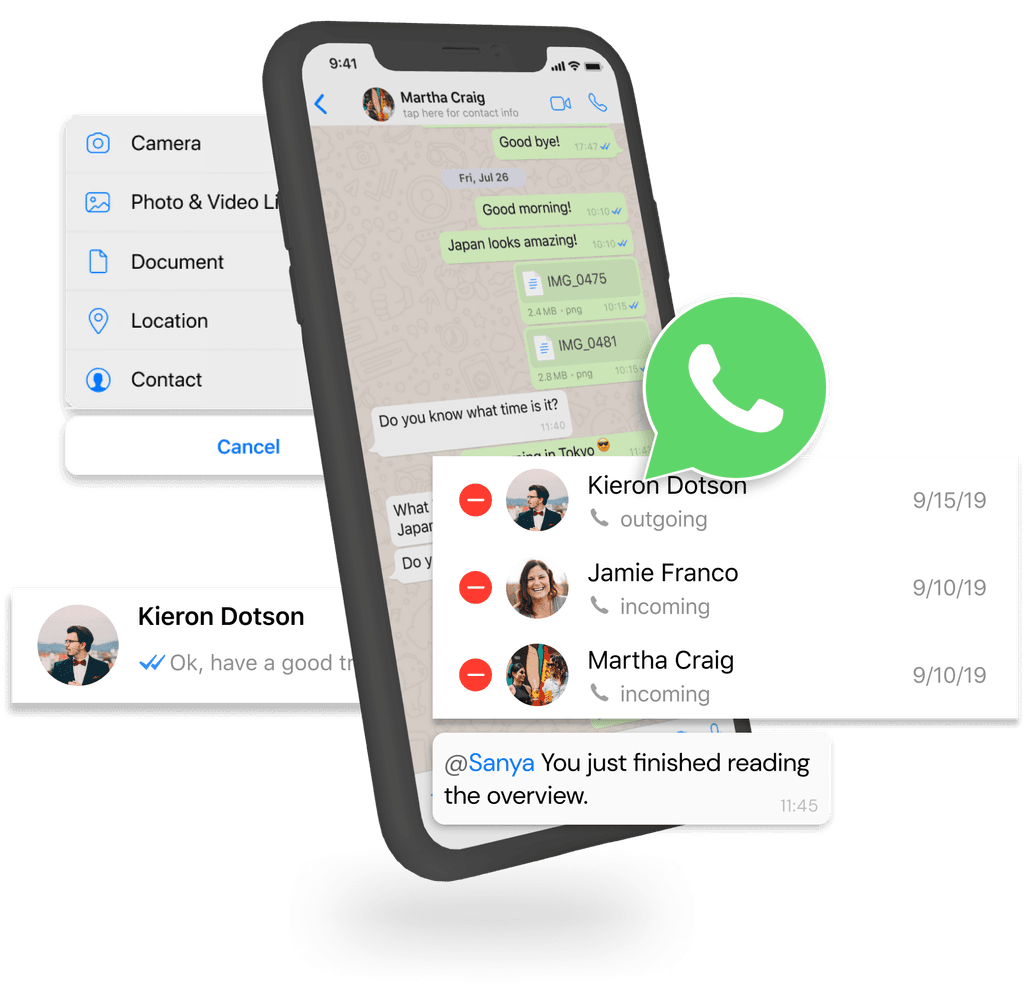
WhatsApp is a popular messaging app that enables users to send text messages, make voice and video calls, and share media. It priorities privacy through end-to-end encryption, ensuring secure communication. With features like group chats and status updates, WhatsApp serves as a versatile tool for personal and professional communication.
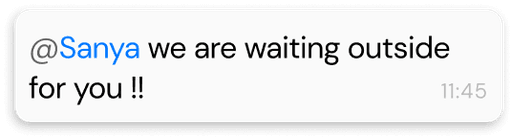
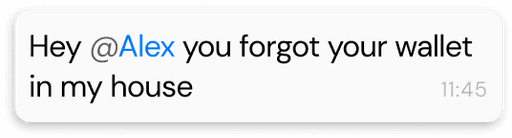
One of the many features is the ‘@mention' feature in WhatsApp which allows users to tag specific individuals in a group chat by using the '@' symbol followed by their name.
This notifies the mentioned person directly, ensuring they see the message and can respond promptly.
PROBLEM
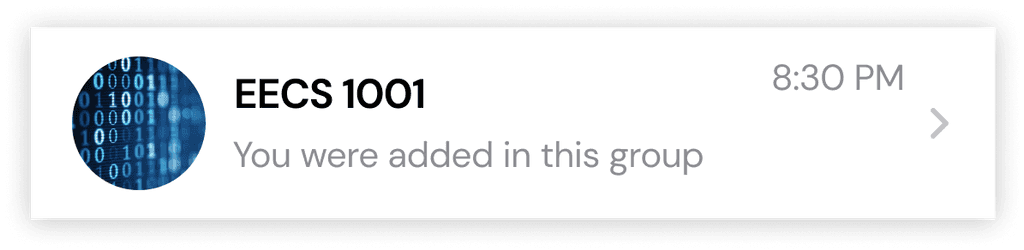
Sara is a class representative of a course called EECS 1001. She made a group with her classmates so she could text the whole class about important announcements, send documents, and mention some of the participants of the group when need be.
THE CURRENT PROCESS
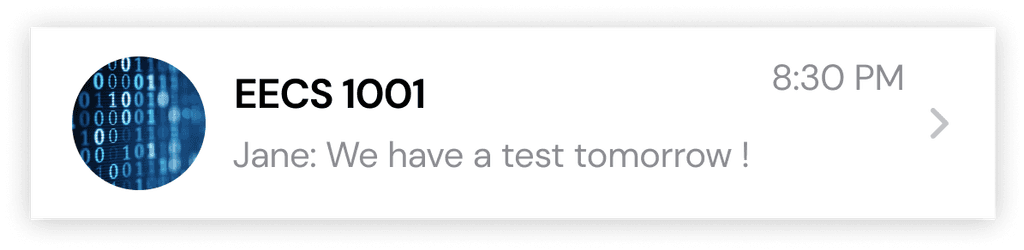
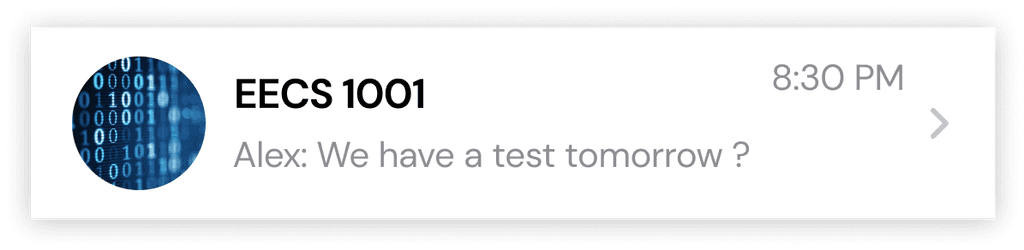
To mention someone Sara would use the '@' symbol on her keyboard, which brings up a list of all the chat participants. Then, she'd choose each person one by one, but the list closes after each selection.
So, if she needed to remind 20 students about an assignment, she'd have to press '@,' pick a name, press '@' again, pick another name, and repeat this process 18 more times.
This process of tagging people is likely to cause frustration, which can lead to reduced user retention and negative user satisfaction.

SOLUTION
Sara is a class representative of a course called EECS 1001. She made a group with her classmates so she could text the whole class about important announcements, send documents, and mention some of the participants of the group when need be.
This would lead to
Less friction
Bring down the abandonment rate
Increase user engagement
Increase user satisfaction.

CONCLUSION
Thank you for reading till the end ! As someone who uses the app regularly, I found this case study very engaging as it is based on my own first-hand experience of using the app to design solutions.
OVERVIEW
OVERVIEW
WhatsApp is a popular messaging app that enables users to send text messages, make voice and video calls, and share media. It priorities privacy through end-to-end encryption, ensuring secure communication. With features like group chats and status updates, WhatsApp serves as a versatile tool for personal and professional communication.
One of the many features is the ‘@mention' feature in WhatsApp which allows users to tag specific individuals in a group chat by using the '@' symbol followed by their name.
This notifies the mentioned person directly, ensuring they see the message and can respond promptly.
WhatsApp is a popular messaging app that enables users to send text messages, make voice and video calls, and share media. It priorities privacy through end-to-end encryption, ensuring secure communication. With features like group chats and status updates, WhatsApp serves as a versatile tool for personal and professional communication.
One of the many features is the ‘@mention' feature in WhatsApp which allows users to tag specific individuals in a group chat by using the '@' symbol followed by their name.
This notifies the mentioned person directly, ensuring they see the message and can respond promptly.
WhatsApp is a popular messaging app that enables users to send text messages, make voice and video calls, and share media. It priorities privacy through end-to-end encryption, ensuring secure communication. With features like group chats and status updates, WhatsApp serves as a versatile tool for personal and professional communication.
One of the many features is the ‘@mention' feature in WhatsApp which allows users to tag specific individuals in a group chat by using the '@' symbol followed by their name.
This notifies the mentioned person directly, ensuring they see the message and can respond promptly.
PROBLEM
PROBLEM
Sara is a class representative of a course called EECS 1001. She made a group with her classmates so she could text the whole class about important announcements, send documents, and mention some of the participants of the group when need be.
Sara is a class representative of a course called EECS 1001. She made a group with her classmates so she could text the whole class about important announcements, send documents, and mention some of the participants of the group when need be.
Sara is a class representative of a course called EECS 1001. She made a group with her classmates so she could text the whole class about important announcements, send documents, and mention some of the participants of the group when need be.
THE CURRENT PROCESS
THE CURRENT PROCESS
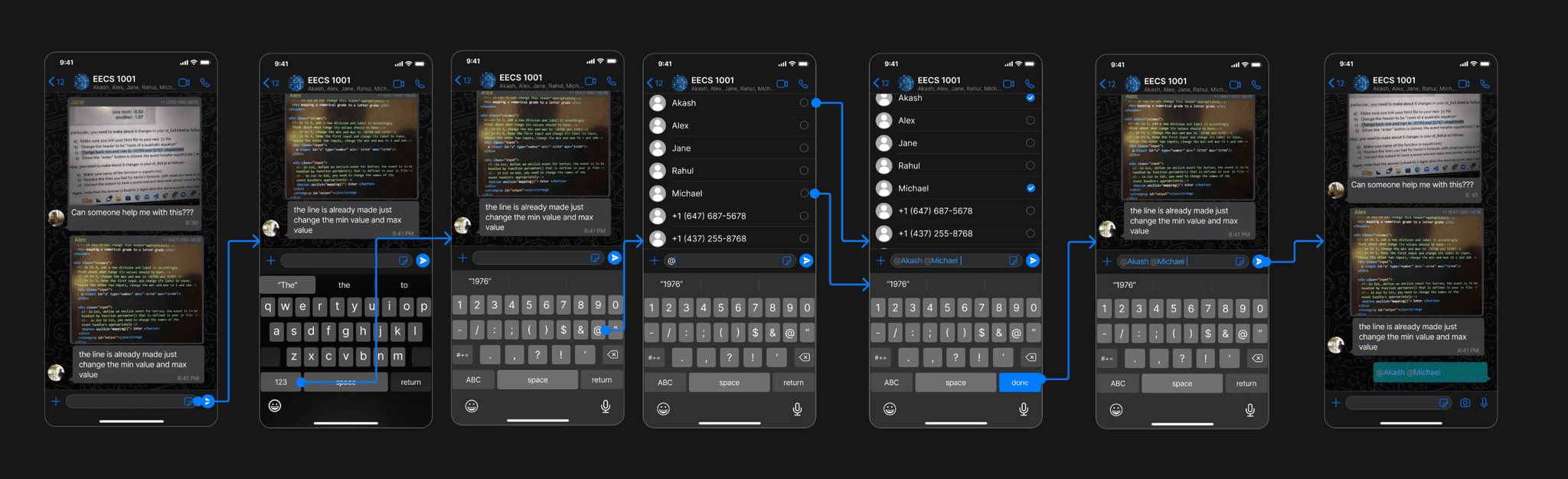
To mention someone Sara would use the '@' symbol on her keyboard, which brings up a list of all the chat participants. Then, she'd choose each person one by one, but the list closes after each selection.
So, if she needed to remind 20 students about an assignment, she'd have to press '@,' pick a name, press '@' again, pick another name, and repeat this process 18 more times.
This process of tagging people is likely to cause frustration, which can lead to reduced user retention and negative user satisfaction.
SOLUTION
Sara is a class representative of a course called EECS 1001. She made a group with her classmates so she could text the whole class about important announcements, send documents, and mention some of the participants of the group when need be.
This would lead to
Less friction
Bring down the abandonment rate
Increase user engagement
Increase user satisfaction.
A quick fix
WIREFRAMES
And that's a wrap
CONCLUSION
CONCLUSION
Thank you for reading till the end ! As someone who uses the app regularly, I found this case study very engaging as it is based on my own first-hand experience of using the app to design solutions.
GirlScript Summer of Code 2023 (GSSoC)
GirlScript Summer of Code 2023 (GSSoC)
GirlScript Summer of Code 2023 (GSSoC)
GirlScript Summer of Code 2023 (GSSoC)
GirlScript Summer of Code 2023 (GSSoC)
Designed and developed (framer) by moi
Currently accepting freelance projects

Let's work
together


Accepting freelance projects
Let's work
together
Designed and developed (framer) by moi
Designed and developed (framer) by moi
Currently accepting freelance projects
Let's work
together